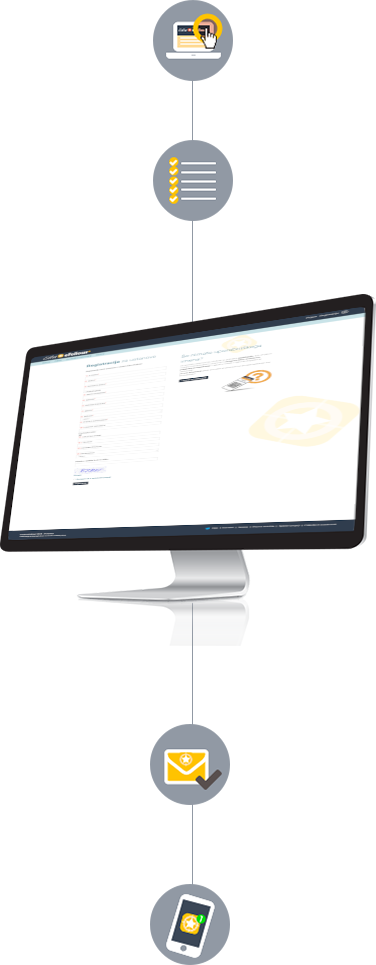
Assistance with Registration for Institutions
4 Steps to Register a New User Account for an Institution
1
Click on the Registration link in the menu. You can find it in the upper right corner of the website.
2
Fill in the following information in the empty fields:

E-mail | to confirm your account and use it for logging into edu.eFollowr.com
password | choose a password that you will use for logging in. The password must be at least six characters long.
INSTITUTION DETAILS
1 | Institution Email*
2 | Password*
3 | Institution/Sender Name*
4 | Institution address*
5 | Institution Postal Code*
6 | Institution City*
8 | Institution logo (jpg, jpeg, png, bmp, gif)
9 | Website Link
10 | Phone
11 | Institution Tax number
*Required information.
3
Confirm your registration by clicking the Confirm Registration button. You will receive an e-mail with an offer/invoice. After settling the invoice, you will receive an e-mail with a link for activating your username and password. Click on the link to activate your account.
4
You can log into the Edu eFollowr system anytime using your username and password.